以太坊强子对撞机(以太坊私钥碰撞)Python脚本 linux在线版
前面写了Windows版本的以太坊私钥碰撞脚本,下面发下linux上面的。这个是在线版,会自动生成几十条然后通过API查询余额,不为0就自动保存下来地址、密钥和余额数。
以太坊强子对撞机(以太坊私钥碰撞)Python脚本 Windows版
受API限制,这个速度很慢,不过也不消耗服务器性能。手里的垃圾VPS都可以跑,CPU用量很低。

本文目录
环境准备
本文是debian12的操作系统。
先更新下系统
sudo apt update && sudo apt upgrade -y
安装 Python 和 pip
Debian 12.5 预装 Python 3.11版本
sudo apt install python3 python3-pip -y
python3 --version #应显示 3.11.x
pip3 --version
安装依赖
pip3 install mnemonic eth-account web3 -i https://pypi.tuna.tsinghua.edu.cn/simple
环境测试
python3 -c "import mnemonic, eth_account, web3; print('环境依赖测试成功')"申请 Etherscan API 密钥
https://etherscan.io/apidashboard
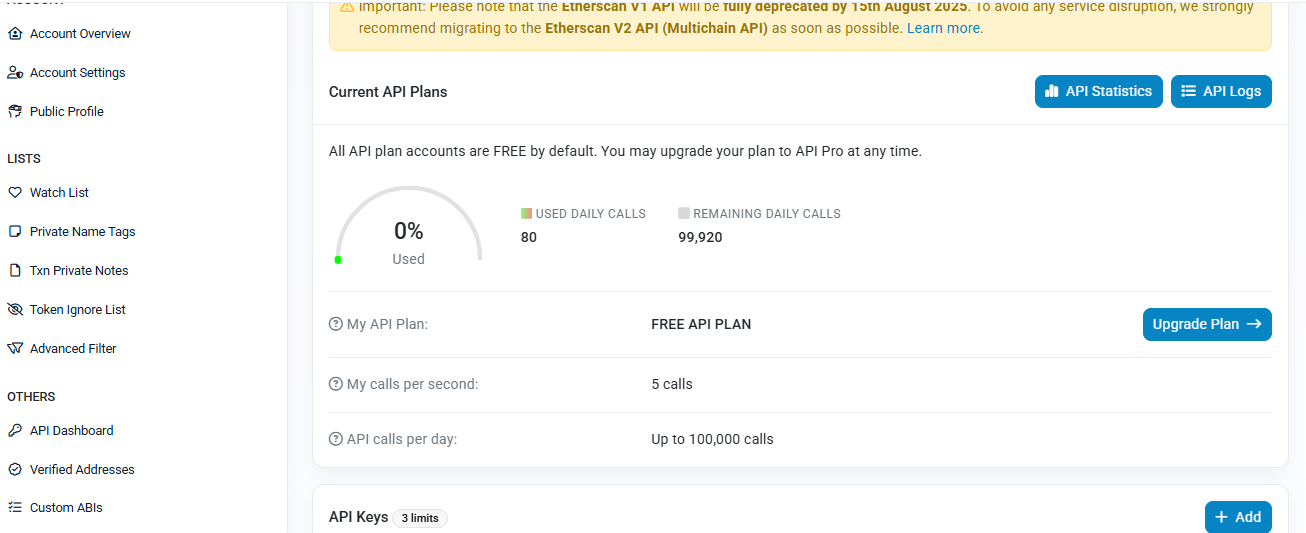
申请免费的API就行。免费API限制每秒5次查询,每天10万次。
运行脚本
创建工作目录
mkdir -p /home/walletuser/wallet_generator
cd /home/walletuser/wallet_generator
下面代码保存为wallet_generator.py,上传到工作目录。
记得里面API改成自己的。
import os
import requests
from mnemonic import Mnemonic
from eth_account import Account
import time
import datetime
import json

# 启用助记词功能
Account.enable_unaudited_hdwallet_features()

# 配置 Etherscan API
ETHERSCAN_API_KEY = "改成你的API"
ETHERSCAN_API_URL = "https://api.etherscan.io/api"

# 输出文件
OUTPUT_FILE = "/home/walletuser/wallet_generator/wallet_records.txt"
STATE_FILE = "/home/walletuser/wallet_generator/state.json" # 保存进度

# 初始化助记词生成器
mnemo = Mnemonic("english")

# 每天最大查询次数
MAX_DAILY_QUERIES = 99000
SLEEP_BETWEEN_QUERIES = 0.25 # 每秒 4 次查询

def generate_mnemonic_and_address():
"""生成助记词、私钥和地址"""
mnemonic_phrase = mnemo.generate(strength=128)
account = Account.from_mnemonic(mnemonic_phrase)
address = account.address
private_key = account.key.hex()
return mnemonic_phrase, address, private_key

def get_eth_balance(address):
"""通过 Etherscan API 查询余额(单位 ETH)"""
params = {
"module": "account",
"action": "balance",
"address": address,
"tag": "latest",
"apikey": ETHERSCAN_API_KEY
}
try:
response = requests.get(ETHERSCAN_API_URL, params=params, timeout=10)
data = response.json()
if data["status"] == "1":
balance_wei = int(data["result"])
return balance_wei / 1e18
else:
print(f"Etherscan 返回错误: {data.get('message')}")
return 0
except Exception as e:
print(f"查询余额出错: {e}")
return 0

def record_wallet(mnemonic, address, private_key, balance):
"""记录钱包信息到文件"""
with open(OUTPUT_FILE, "a") as f:
f.write(f"助记词: {mnemonic}\n")
f.write(f"地址: {address}\n")
f.write(f"私钥: {private_key}\n")
f.write(f"余额: {balance} ETH\n")
f.write("-" * 50 + "\n")
print(f"记录成功: {address} 有 {balance} ETH")

def load_state():
"""加载状态文件"""
if os.path.exists(STATE_FILE):
with open(STATE_FILE, "r") as f:
return json.load(f)
return {"date": "", "queries_today": 0}

def save_state(state):
"""保存状态文件"""
with open(STATE_FILE, "w") as f:
json.dump(state, f)

if __name__ == "__main__":
print("开始全天自动查询模式... 按 Ctrl+C 停止。")
batch_size = 50

while True:
state = load_state()
today_str = datetime.date.today().isoformat()

# 如果是新的一天,重置计数
if state.get("date") != today_str:
state = {"date": today_str, "queries_today": 0}
save_state(state)

count = state["queries_today"]

# 当天查询达到上限则休眠到第二天
if count >= MAX_DAILY_QUERIES:
now = datetime.datetime.now()
tomorrow = now + datetime.timedelta(days=1)
next_day = datetime.datetime.combine(tomorrow.date(), datetime.time.min)
sleep_seconds = (next_day - now).total_seconds()
print(f"今日查询已达 {MAX_DAILY_QUERIES} 次,脚本休眠 {int(sleep_seconds)} 秒到明天继续...")
time.sleep(sleep_seconds)
continue # 进入新的一天循环

addresses = []
mnemonics = []
private_keys = []

for _ in range(batch_size):
if count >= MAX_DAILY_QUERIES:
break
mnemonic, address, private_key = generate_mnemonic_and_address()
addresses.append(address)
mnemonics.append(mnemonic)
private_keys.append(private_key)

for i, address in enumerate(addresses):
if count >= MAX_DAILY_QUERIES:
break
balance = get_eth_balance(address)
if balance > 0:
record_wallet(mnemonics[i], address, private_keys[i], balance)
count += 1
state["queries_today"] = count
state["date"] = today_str
save_state(state)
time.sleep(SLEEP_BETWEEN_QUERIES)

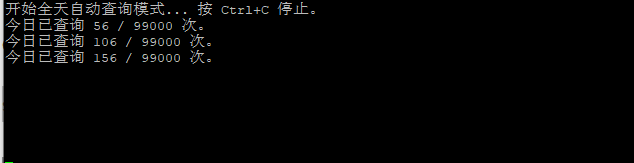
print(f"今日已查询 {count} / {MAX_DAILY_QUERIES} 次。")
设置文件权限
chmod 644 wallet_generator.py
touch wallet_records.txt
chmod 600 wallet_records.txt
后台运行
安装screen
sudo apt install screen -y
启动会话
screen -S walletgen
运行脚本
python3 /home/walletuser/wallet_generator/wallet_generator.py
Ctrl + A,然后 D退出会话不停止运行。
Ctrl + C停止脚本。
screen -r walletgen重新进入脚本运行会话。
其他说明
全天自动运行,每秒查询4次,每天查询9.9万次自动休眠,第二天继续执行。
Etherscan的API限制每秒5次,每天10万次查询。
使用state.json保存进度。
ETH余额不为0,钱包信息输出到wallet_records.txt
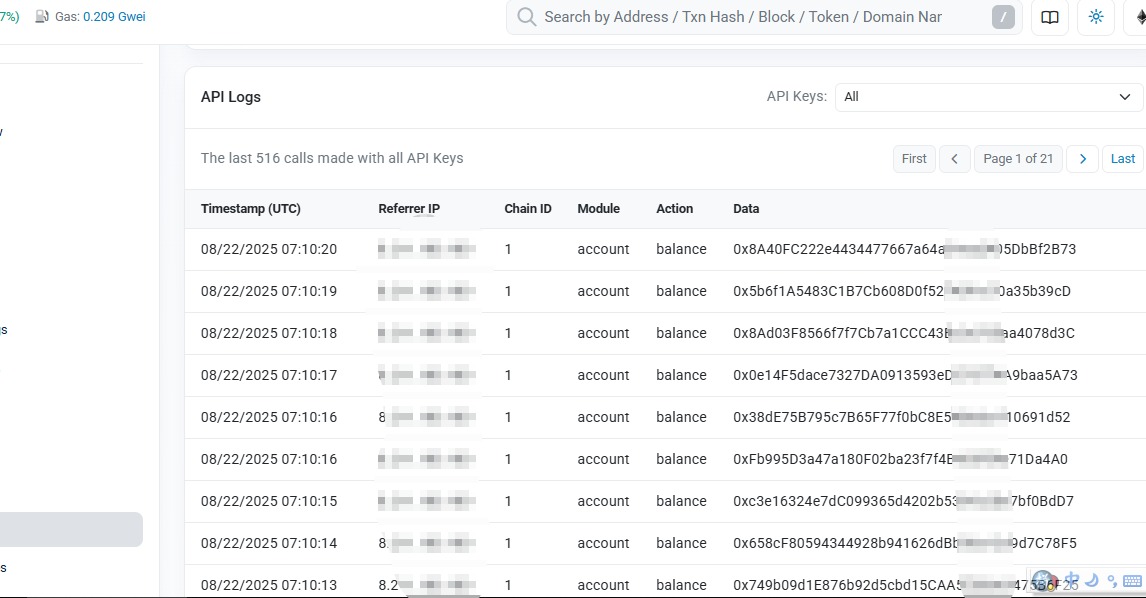
https://etherscan.io/myapikey_logs
这个地址可以查看API使用日志